
SEARCH THE
MAKERSPACE & RECORDING STUDIO
Unleash your creativity at the Bracebridge Library with the Makerspace & Recording Studio!
Using the Makerspace & Recording Studio
No Recording Studio reservation can be approved without a training or orientation session. To set up a session for the Recording Studio, email [email protected]. Makerspace appointments are scheduled based on staff and equipment availability, so last-minute appointments may not be possible. We recommend requesting an appointment at least a week in advance whenever possible. Some Makerspace equipment – like the 3D printers – is only staff-operated.
Makerspace
Makerspace appointments are scheduled based on staff and equipment availability, so last-minute appointments may not be possible. We recommend requesting an appointment at least a week in advance whenever possible.
Currently available in the Makerspace:
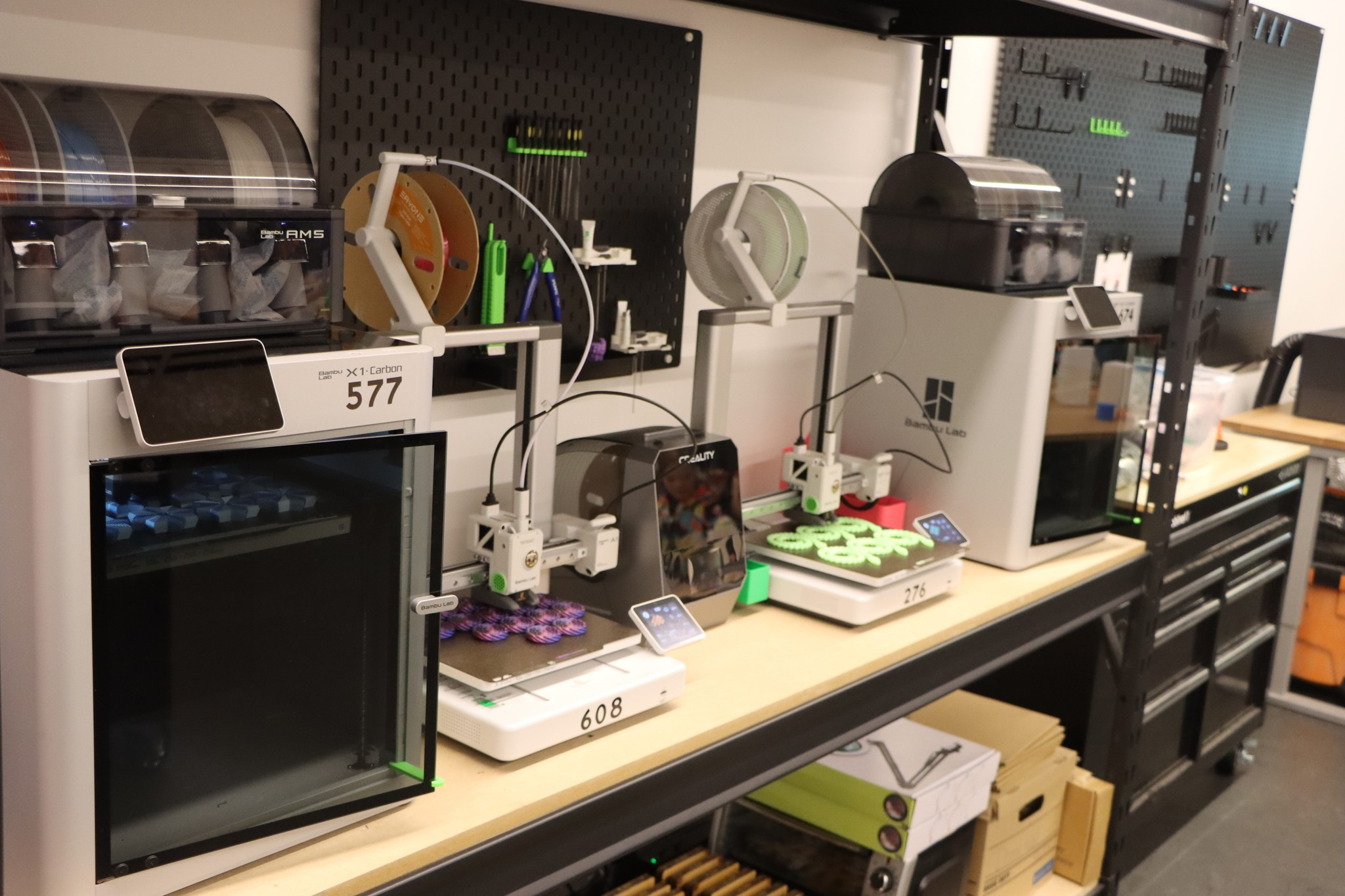
- 3D printers: Bambu Lab X1C (2) and Bambu Lab A1 (2)
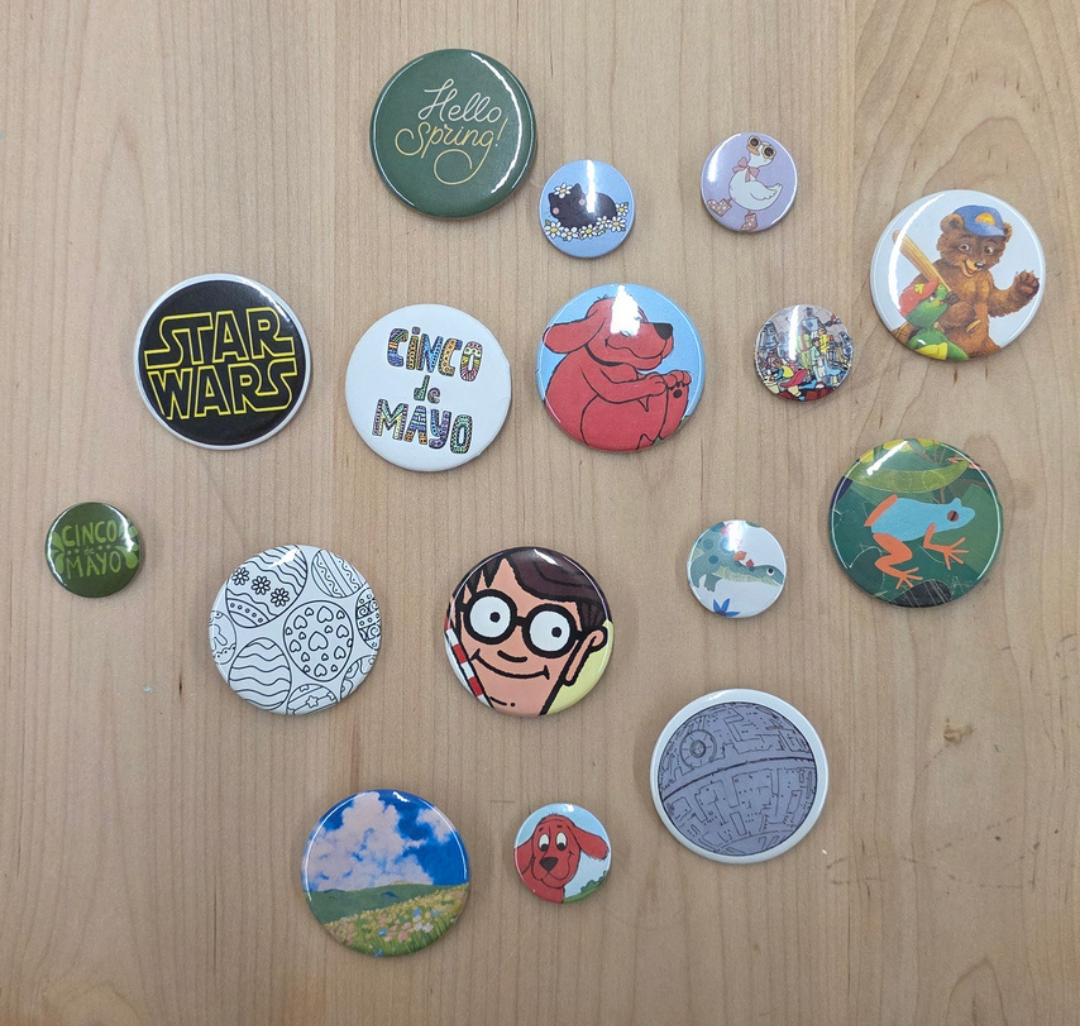
- Button makers: VEVOR 3-in-1 (58mm, 32mm, 25mm) and VEVOR (50mm)
- Die-Cut machine: Ellison 1000
- Embroidery machine: Brother NS1850D
- Heat presses: VEVOR (2)
- Plotter printer: HP DesignJet T630 36″
- Sergers: Brother 4234DT and Kenmore 2/3/4D
In the Conklin Construction Media Lab:
- Cricut Cutters: Explore Air 2, Maker, Maker 3 and Joy Xtra
- Sewing machines: Singer M1500 (3) and Brother NS80e (1)
Coming soon:
- Laser cutter: xTool S1
- Printer/cutter: Roland VersaSTUDIO BN2-20A
- Resin printer: Elegoo Saturn 4 Ultra
Unavailable:
- Laser cutter: Glowforge Pro HD
Library staff must approve use of all materials to ensure they can be used safely with our equipment. Patrons must be 14 years of age or older to make a request. Anyone under 14 must request through a parent or guardian.
The Bracebridge Library reserves the right to accept, refuse, or cancel a request at its discretion.
All pricing is subject to change. The prices were last updated on August 5, 2026.
| Equipment | Use | Cost | Notes |
|---|---|---|---|
| 3D printer | – Single colour – Multi-colour | – $1.50 per hour – $3.00 per hour | The maximum print time is 7 hours. You can only use library-supplied filament (PLA or PETG). |
| Button maker | – Button sizes are: 58mm, 50mm, 32mm, and 25mm | – $0.50 each | Limited to 6 per patron, per week. |
| Cricut | – B.Y.O.M. – Standard vinyl – Heat transfer/iron-on vinyl – Sticker paper | – Free – $1.00 per sheet – $2.00 per sheet – $2.00 per sheet | Each sheet of the standard vinyl and heat transfer is 12″ x 12″. Each sheet of the sticker paper is 8.5″ x 11″ with the printable area measuring 6.75″ x 9.25″. |
| Embroidery machine | – B.Y.O.M. | – $1.00 per 1,000 stitches | Thread is supplied. |
– Basswood (all thicknesses) | – $5.00 per sheet, plus B.Y.O.M. | ||
| Plotter | Regular paper: – Minimal coverage, text only – Full coverage, grayscale – Full coverage, colour Poster paper: – Grayscale – Colour | – $2.00 per foot – $2.50 per foot – $3.00 per foot – $5.00 per foot – $6.00 per foot | The regular paper roll is 3 feet wide while the poster paper roll is 2 feet wide. |
| Sergers | – B.Y.O.M. | – Free | Thread is supplied. |
| Sewing machines | – B.Y.O.M. | – Free | Thread is supplied. |
B.Y.O.M. stands for Bring Your Own Material
The laser cutter is temporarily unavailable while we make improvements to its air filtration system.
How can I use the Makerspace?
There are two ways to access the Makerspace: attend a program or schedule an appointment.
For both, you need a valid Bracebridge Library card.
We offer programs for all ages that are designed to introduce people to the Makerspace equipment and show how it can be used for different projects.
How do I make an appointment?
To request an appointment, submit a Makerspace request form in person or through the website. Once your request is received, staff will follow up by email to confirm details and schedule your visit. Submitting a request does not guarantee approval.
No appointment is needed to have something 3D printed. All you need to do is send us your request.
Appointments are arranged individually, so same-day or immediate availability may not be possible. Weekend appointments are offered about once a month, so please plan ahead.
How long are appointments?
Appointments range from a quick drop-in to up to 1.5 hours, depending on the project and equipment being used. If more time is needed, additional appointments can be booked.
Only one project may be worked on per appointment, though multi-part projects may be completed within a single visit if time allows.
How old do you have to be to use the Makerspace?
Participants must be at least 8 years old to attend Makerspace programs without parent/guardian supervision.
Children 6 and up may participate in one-on-one appointments when accompanied by a parent or guardian.
Do I need experience to use the Makerspace? Can I use it unsupervised?
No prior experience is required to use the Makerspace.
All visits, whether programs or appointments, require staff supervision. Staff will also provide orientation and assistance as needed.
Will you make my file for me?
Patrons are responsible for creating their own project files or ensuring that any files they provide are legally obtained and that they have the right to use them.
Staff do not design files from scratch, but are happy to provide guidance, answer questions, and help troubleshoot issues during the process. Please set up an appointment to do so.
All files are reviewed before your appointment. If any changes are needed, staff will let you know, but patrons are expected to make those edits themselves.
What is the maximum size for a 3D print?
The maximum size for a single 3D print is 256mm (10 inches) in all directions.
What are the limitations to using the Makerspace?
We will print a maximum of 5 copies of the same item/design. This helps us distribute printer time fairly among patron requests and regular library operations.
Our 3D printing service is intended for personal, educational, and creative use, rather than commercial production or items intended for resale or profit.
The number of copies we can accept may be limited by the total print time involved. Requests for additional copies of the same item may also be limited or declined, particularly when they would effectively exceed the 5-copy limit.”
What file type do I need?
| Equipment | Accepted file types |
|---|---|
| 3D printers | STL, OBJ, 3MF, G-Code |
| Cricut | SVG, PNG, JPG, DXF, BMP |
| Embroidery machine | PES, PEC (can be converted from SVG, JPG, PNG, and PDF using Inkscape) |
| Laser cutter | SVG, PDF, JPG, PNG |
| Plotter, printer/cutter | Any standard printable file type (JPG, PNG, SVG, PDF, DXF) |
What filament types do you have?
Filament types currently available include: PLA, PLA Matte, PLA Silk, PLA Glow, PETG, and PETG Translucent.
If you have a specific type and colour in mind, please check filament availability with staff before your appointment.
Can I print anything?
Patrons are responsible for the content of the files they submit, and the library is not liable for copyright infringement, legal issues, or damages resulting from using files created by others.
The Makerspace is intended for personal, educational, and creative use. Items that are illegal, unsafe, or violate library policy – including weapons and weapon components – will not be approved.
Makerspace equipment may not be used to manufacture items for resale, commercial use, or profit.
What materials can be cut using the laser cutter?
The laser cutter can be used to cut materials such as wood and leather. The use of acrylic, glass, and metal is subject to equipment capabilities and safety and must be approved by staff before use.
What is a Cricut?
A Cricut is a computer-controlled cutting machine commonly used for vinyl graphics, stickers, and paper-based projects.
Can I take any of the equipment home?
Makerspace equipment is not available to take home at this time, including sewing machines and Cricuts.
Before you visit the Bracebridge Library to use the Makerspace, take a look at some of the tutorials to give you an idea about what to expect:
Button maker
- You must download and fill out the blank button template before visiting the library.
Design your own files
- Basic 3D modelling: TinkerCAD.com
- 3D file from photo: AI3DGen.com
- Graphic design: Canva.com, Inkscape.org
- Embroidery file: Ink/Stitch (Inkscape extension)
File check
- Bambu Studio: For slicing a 3D model to determine support needs, print time, filament amount, and identifying critical model errors. This program needs to be downloaded.
- Glowforge.com: Go to the dashboard to check design imports properly for cutting/etching. You need to create a free account.
- Cricut Design Space: Import your design with your desired settings to ensure the layers and cut settings are correct. This program needs to be downloaded, and a free account needs to be created.
Learning/troubleshooting
- 3D printing: 3Dprinting.com, wiki.bambulab.com
- 3D modelling: TinkerCAD tutorials
- Laser cutting: Instructables.com, xtool.com
- Cricut: Cricut.com, sarahmaker.com
- Embroidery: Inkstitch.org
- Sewing: Instructables.com, Singer M1500 manual, Brother NS80e manual
Ready-to-use files
- 3D files: Makerworld.com Printables.com
- SVG files: Creativefabrica.com, vecteezy.com, instructables.com
- Embroidery files: Lovecrafts.com, Embroiderydesigns.com
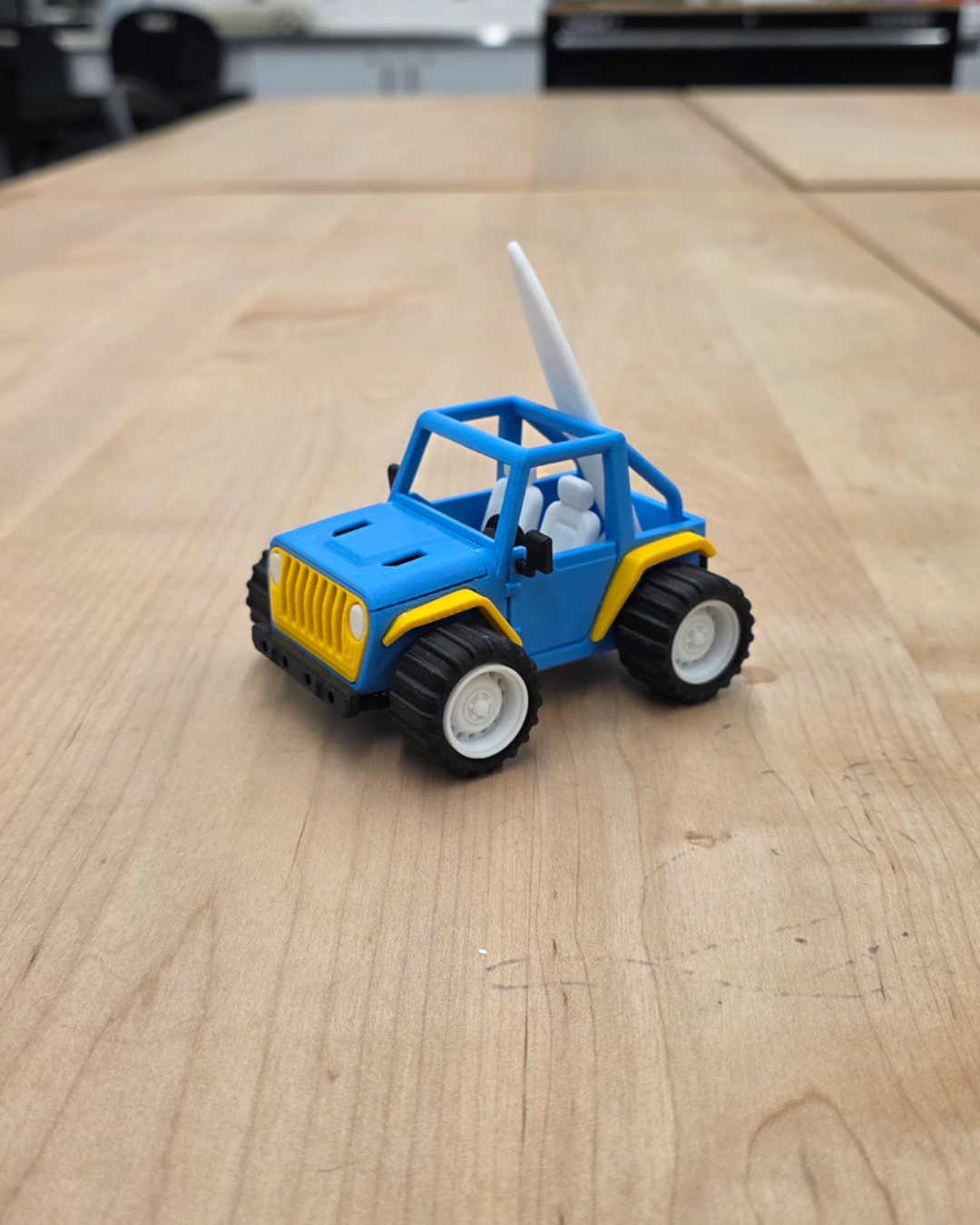
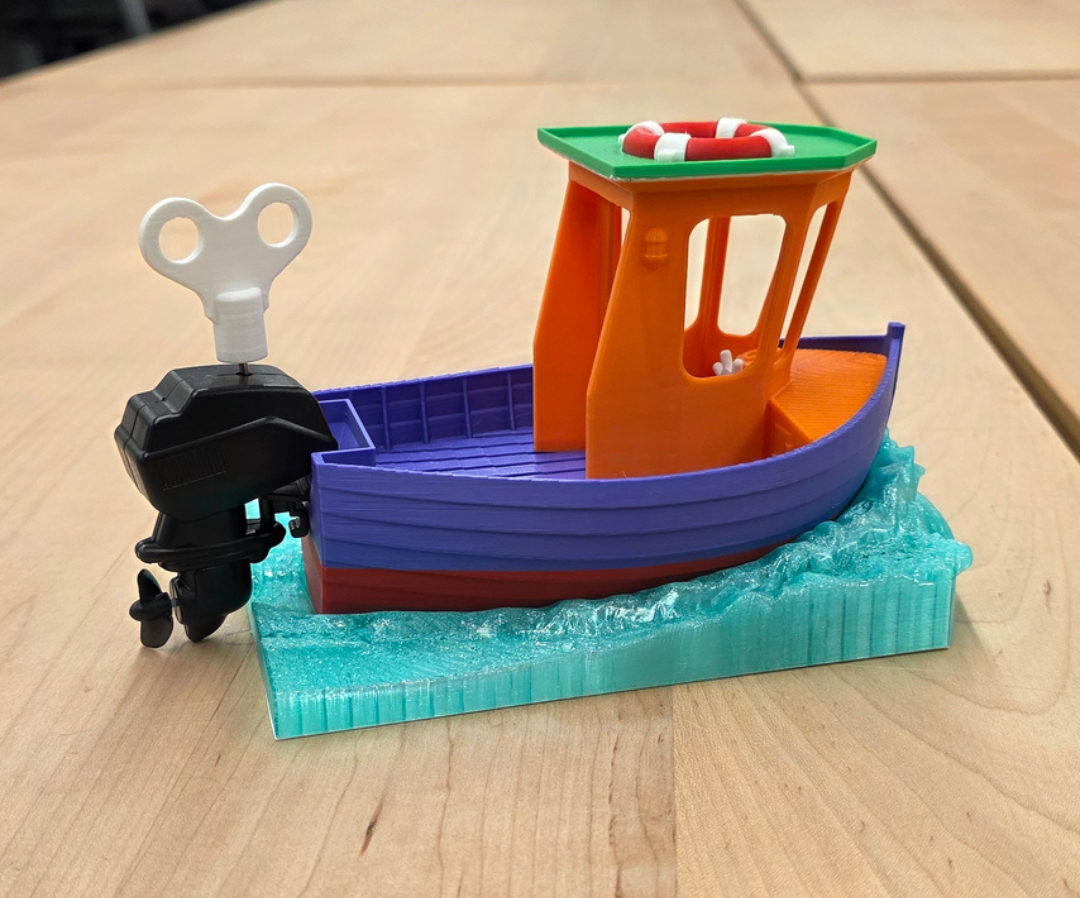
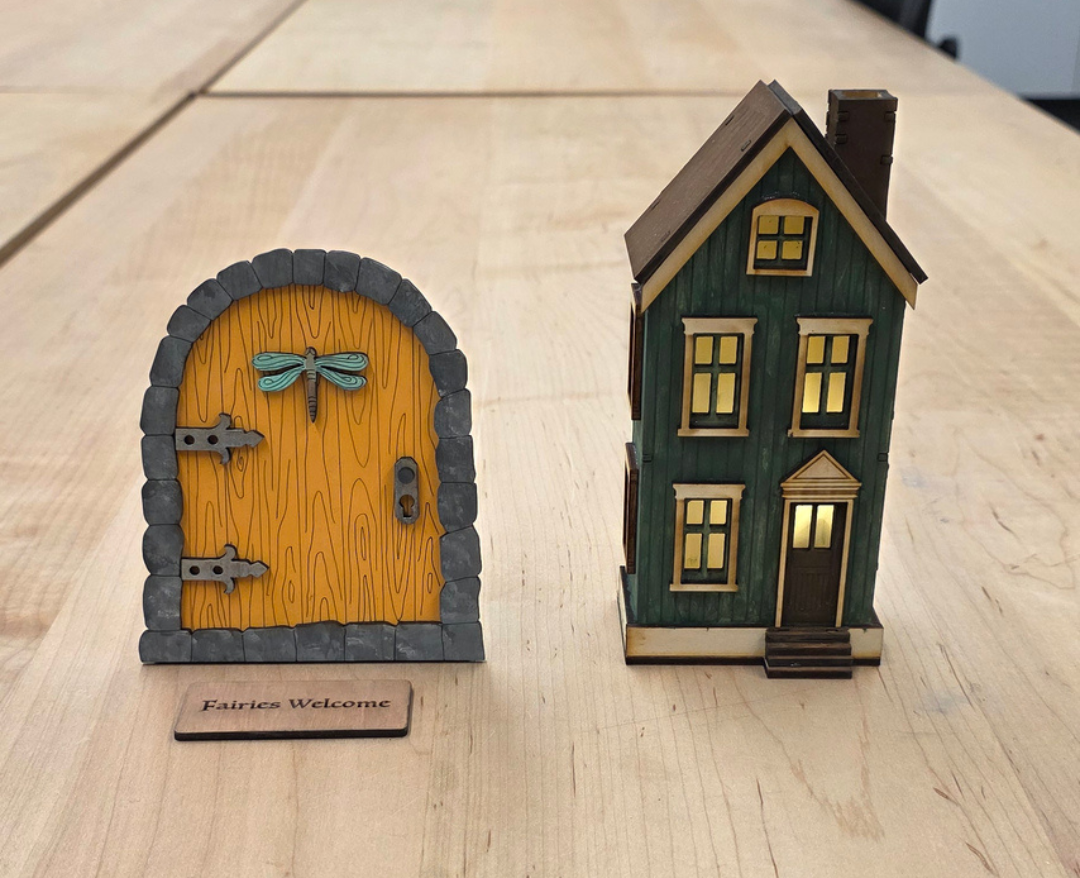
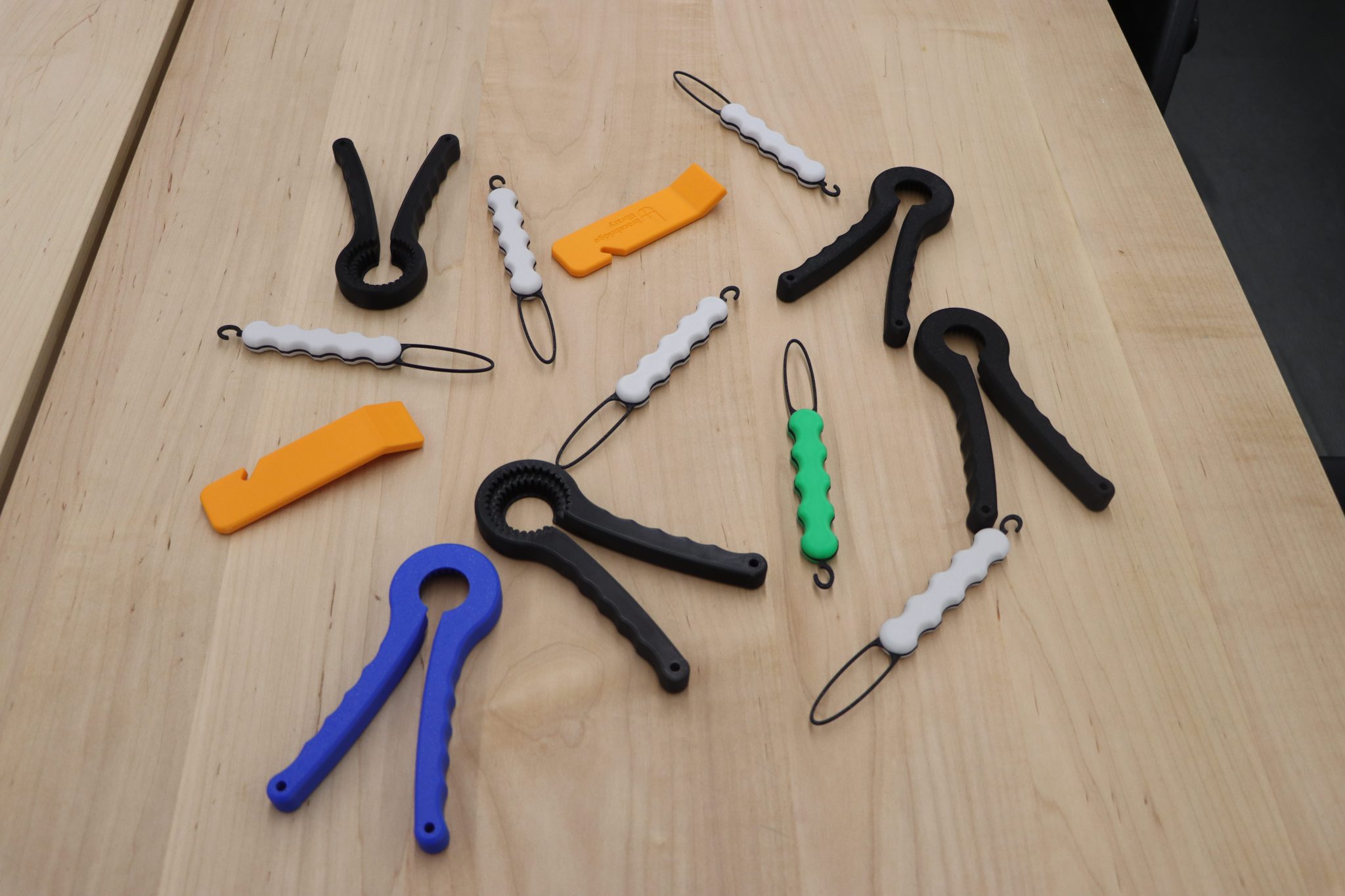
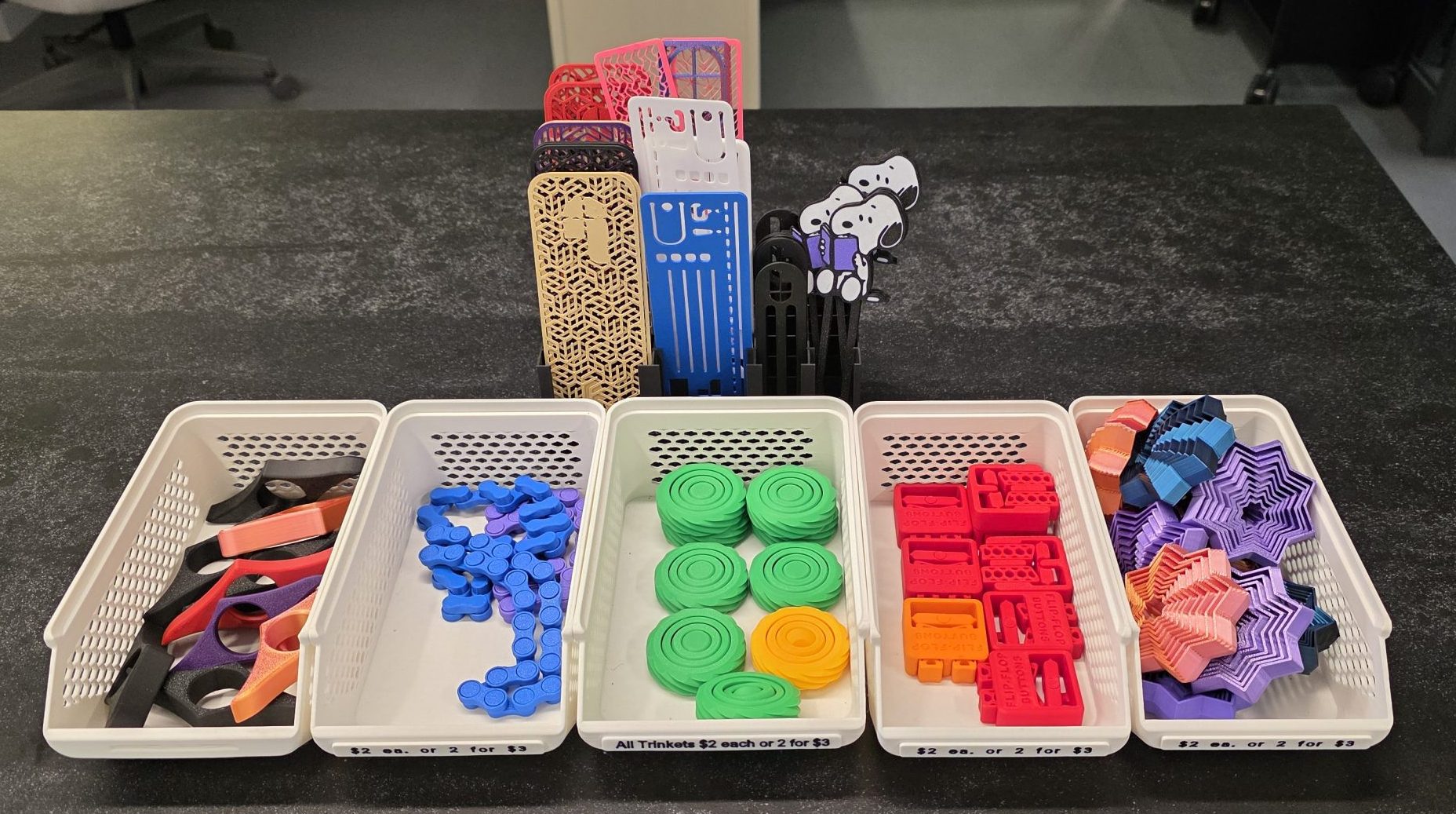
The Bracebridge Library has an assortment of 3D-printed fidgets and bookmarks available. The fidgets are $2.00 each or 2 for $3.00, while the bookmarks are $1.00 each.
The fidgets are rotated every so often, so check back to see what new creations are available!
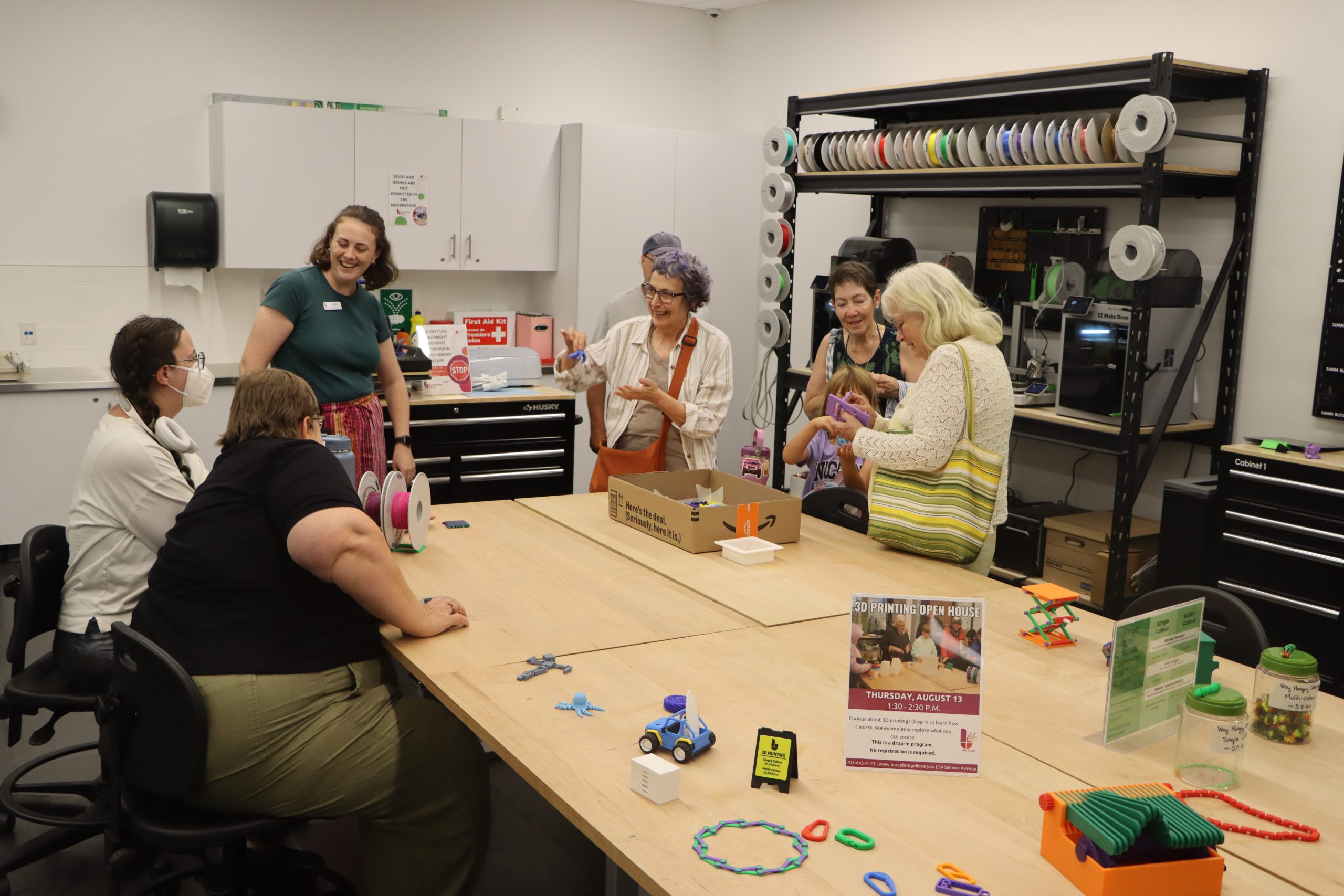
3D Printing Open House
Saturday, October 17
1:30 – 2:30 p.m.
All ages
Curious about 3D printing? Drop in to learn how it works, see examples, and explore what you can create.
This is a drop-in program.
No registration is required.
Intro to Cricut
Tuesday, October 29
1:30 – 2:30 p.m. & 6:00 – 7:00 p.m.
10+ years
Learn how to create your own Cricut-ready designs using Cricut Design Space and Inkscape. This computer-based class focuses on design skills to help you confidently use the Cricut on your own.
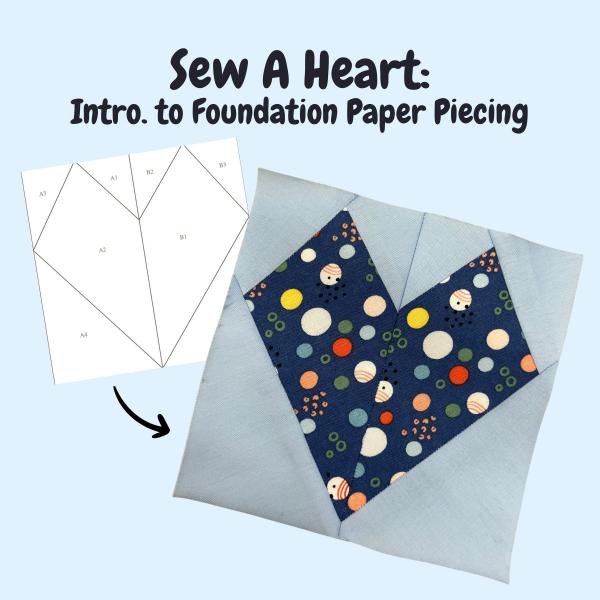
Sew A Heart: Intro to Foundation Paper Piecing
Tuesday, November 5
1:00 – 2:30 p.m. & 6:00 – 7:30 p.m.
All ages
Learn foundation paper piecing while sewing a simple heart quilt block. This beginner-friendly technique uses paper templates to easily create precise shapes and complex-looking designs.
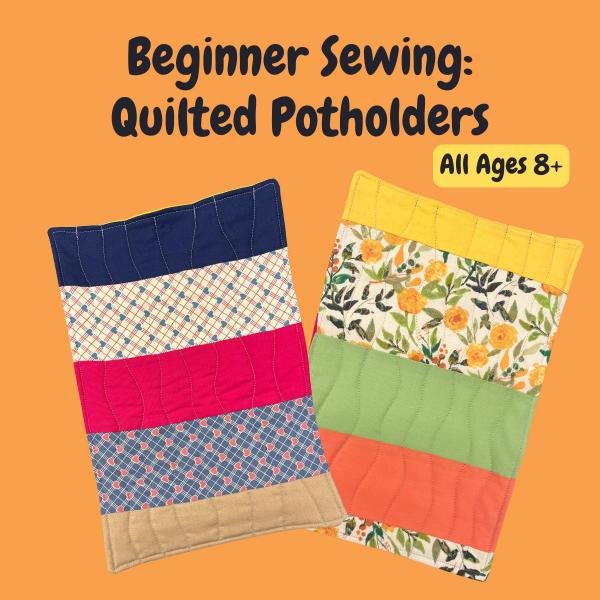
Beginner Sewing: Quilted Potholders
Thursday, November 19
1:00 – 2:30 p.m. & 6:00 – 7:30 p.m.
All ages
Learn basic sewing skills while creating a cozy project that adds style to every meal. It makes a fantastic handmade gift!
Explore 3D design in the Conklin Construction Media Lab across from the MacKay Family Makerspace. Participants can share ideas, ask questions, and help each other while building their skills and experimenting with new designs. No experience in 3D design is required. All you need is your library card!
Please note: This is a 3D design program. If you would like a model printed, you will need to submit a request as usual.
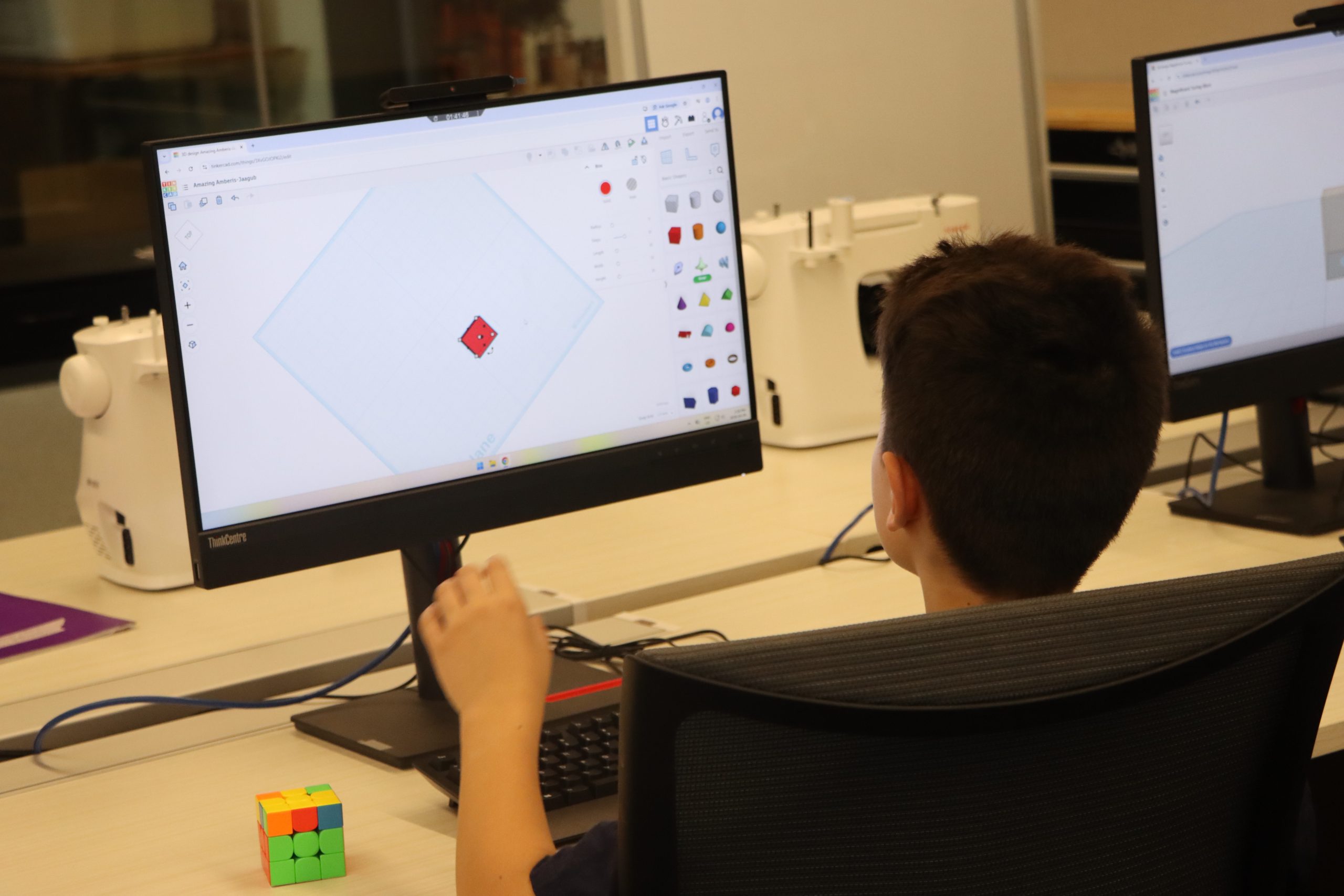
Children’s 3D Design Club
Thursday, November 12
4:00 – 5:30 p.m.
Grades 4 – 8
In this relaxed club, participants will explore 3D modelling using Tinkercad while connecting with others who enjoy designing and creating.
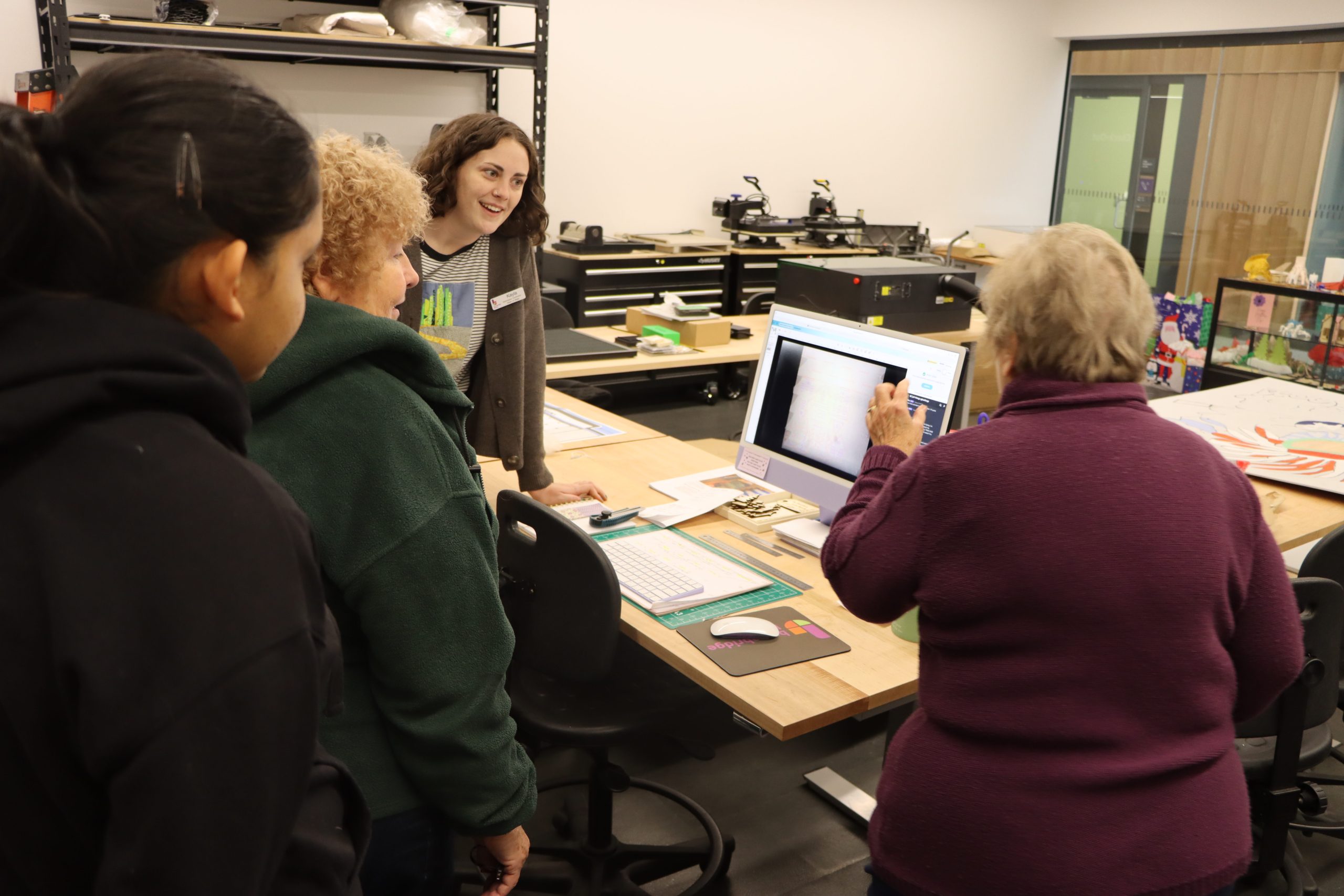
Adult & Teen
3D Design Club
Thursday, November 12
6:00 – 7:30 p.m.
14+ years
Curious about 3D design? Join our 3D Design Club and connect with others, share ideas, and create your own models.
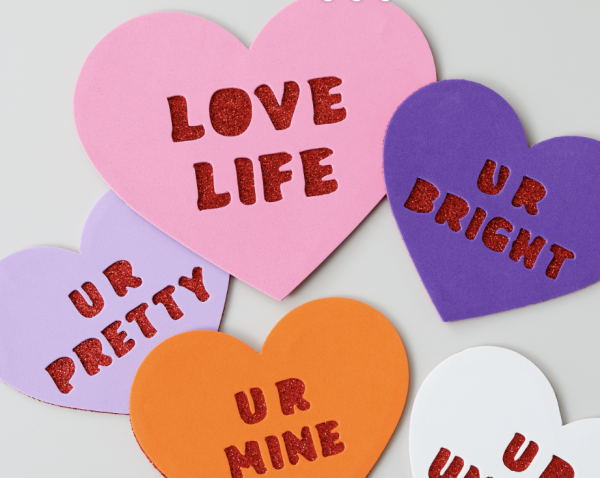
Cricut Conversation Heart Valentines
Wednesday, February 11
4:00 – 5:00 p.m. | 14+ years
Make custom conversation hearts with the Cricut. Choose your own words and cut them out to share for Valentine’s Day.
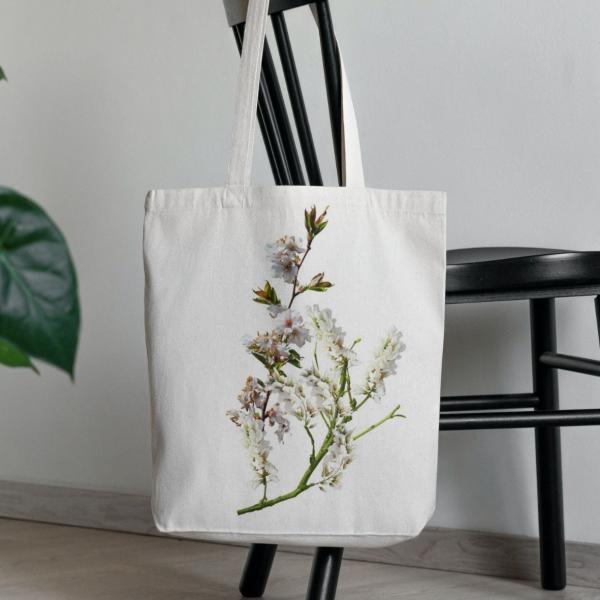
Tech Try It Extension:
Cricut Tote Bags
Thursday, February 12
5:00 – 6:00 p.m. | 14+ years
6:00 – 7:00 p.m. | 8 – 13 years
Learn more about cricuts by customizing a tote bag using pre-cut vinyl designs. We’ll go over finishing techniques like weeding, design transfer, and heat pressing.
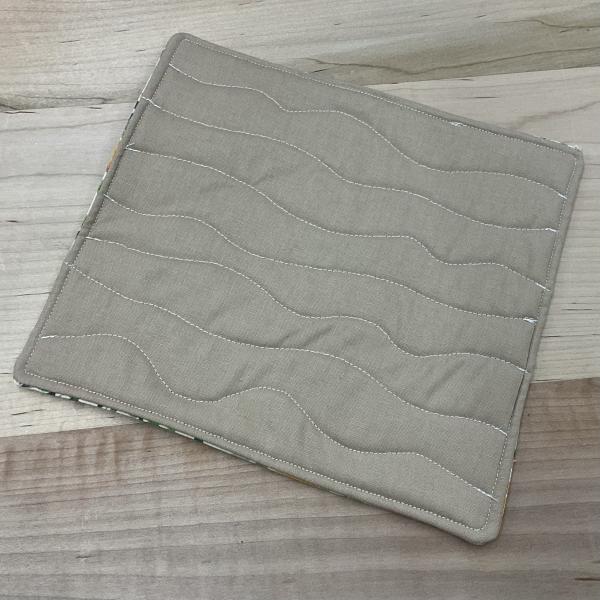
Beginner Sewing: Quilted Potholders
Wednesday, February 18
1:00 – 2:00 p.m.
Build confidence at the sewing machine while learning core sewing skills. This beginner-friendly workshop uses a simple quilted project to introduce the basics.
Recording Studio
You can book the Recording Studio online using a valid Bracebridge Library card. Submitting a request does not guarantee approval.
An orientation session is required before using the Recording Studio. Email [email protected] to set up an appointment.
Bookings are reviewed by Library staff to ensure eligibility, availability, and compliance with Library policy. Requests for rooms require that you have read and accept all terms in the policy.
Check-In & Access to Reserved Rooms
All room users are required to check in at the Circulation Desk upon arrival. Library staff will verify the booking details and provide access to the reserved room.
Room bookings must be made using the library card of the individual responsible for the booking. Library cards may not be used to book rooms on behalf of other individuals, groups, or organizations. Access to rooms is granted only for verified and approved bookings. The individual booking the room must be present during the booking.
Advance Booking
It is recommended that room requests be submitted at least two business days in advance. The Bracebridge Library cannot guarantee that requests made with less notice will be reviewed or approved in time.
Library Discretion
The Bracebridge Library reserves the right to accept or refuse a reservation, or to cancel any booking, at its discretion, in accordance with Library policy.
Equipment:
- iMac with Pro Apps Bundle
- Music stand
- RODECaster Pro II
- Scarlett 18i20
Instruments:
- Alesis Nitro Max electric drumset (with drumsticks and stool)
- Arturia KeyLab Essential 88
- Denver Soprano Ukuleles (8)
- Fender Squier Bronco Bass guitar
- Fender Squier Esquire electric guitar
- Pioneer DJ DDJ-FLX4 & PLX-500
- Yamaha F325D Dreadnought acoustic guitars (2)
Microphones & headphones:
- Lewitt LCT 440 Pure microphones (4)
- Shure MV7X & 2 SM58 microphones (4)
- Shure SRH440A (4) & Rode NTH-100 headphones (1)
Speakers:
- BOSS Katana Gen. 3 amplifier
- Fender Rumble 40 amplifier
- Yorkville YSM5 speakers (2)
You may also bring your own equipment when booking the Recording Studio.
DJ:
- DJay
- rekordbox
- Serato DJ Lite
Miscellaneous:
- Blender
Music & audio editing:
- Ableton Live 12 Lite
- Audacity
- GarageBand
- Logic Pro
- REAPER
Photo editing:
- Darktable
- RawTherapee
Video editing:
- DaVinci Resolve
- Final Cut Pro
- OBS